
Potter’s Stages
Track every pot, every stage.
Pottery takes patience. A bowl might sit leather hard for a day, dry for a week, then wait on two firings before it’s done. Potter’s Stages shows you at a glance where everything stands, so nothing gets forgotten on the shelf.
Free, coming soon to iPhone, iPad and Mac.
Every piece, wherever it is
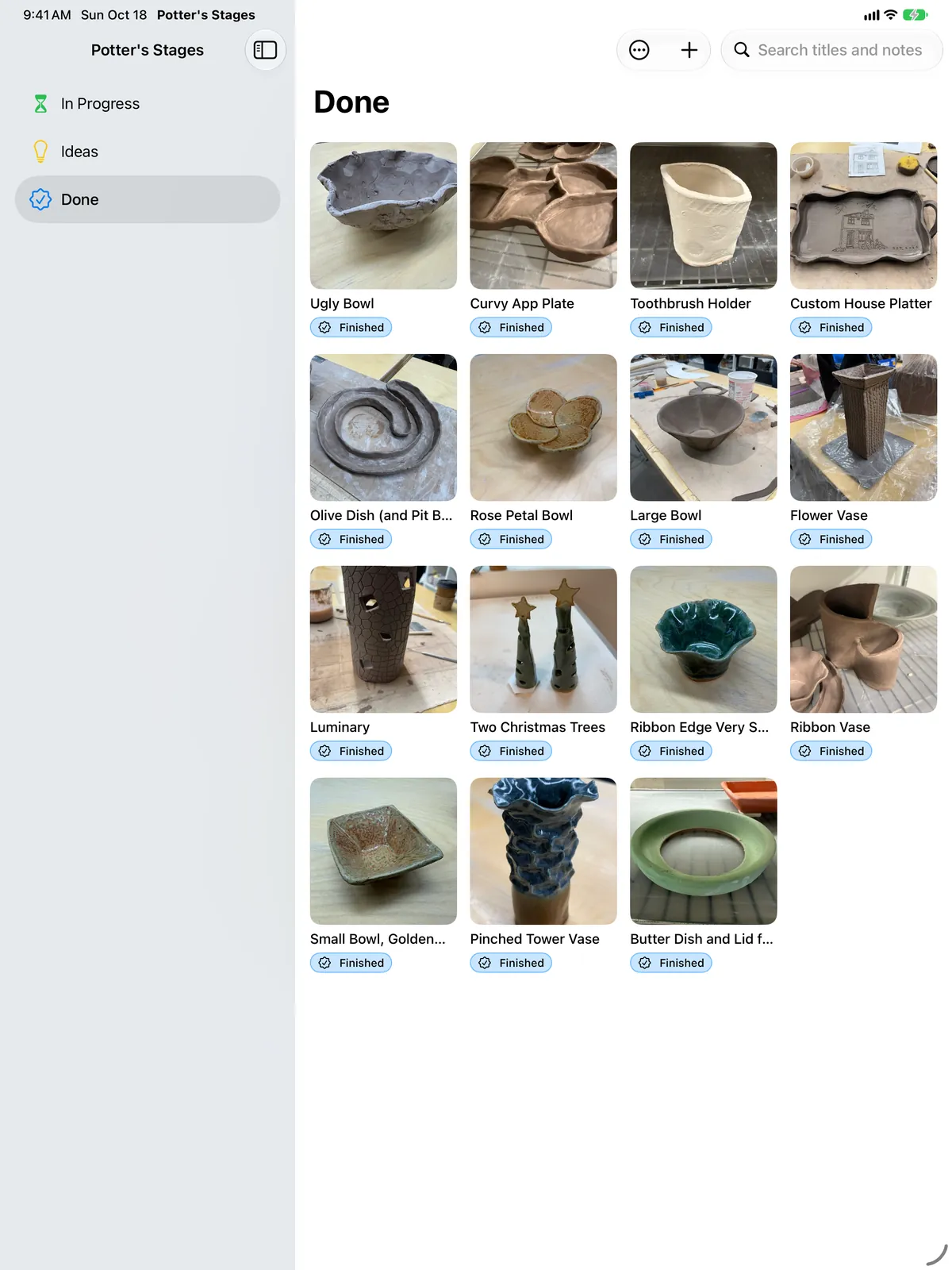
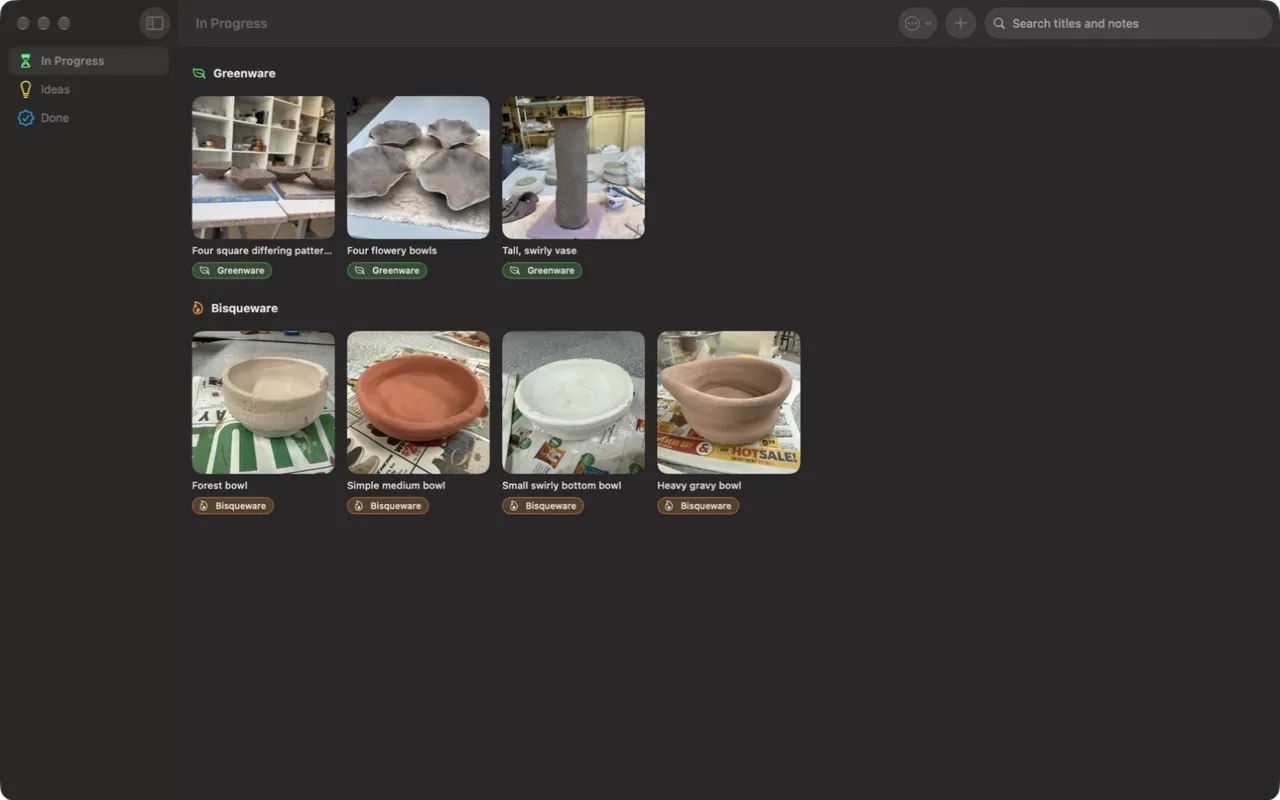
Real pieces from a real studio shelf, as they look in the app.
-
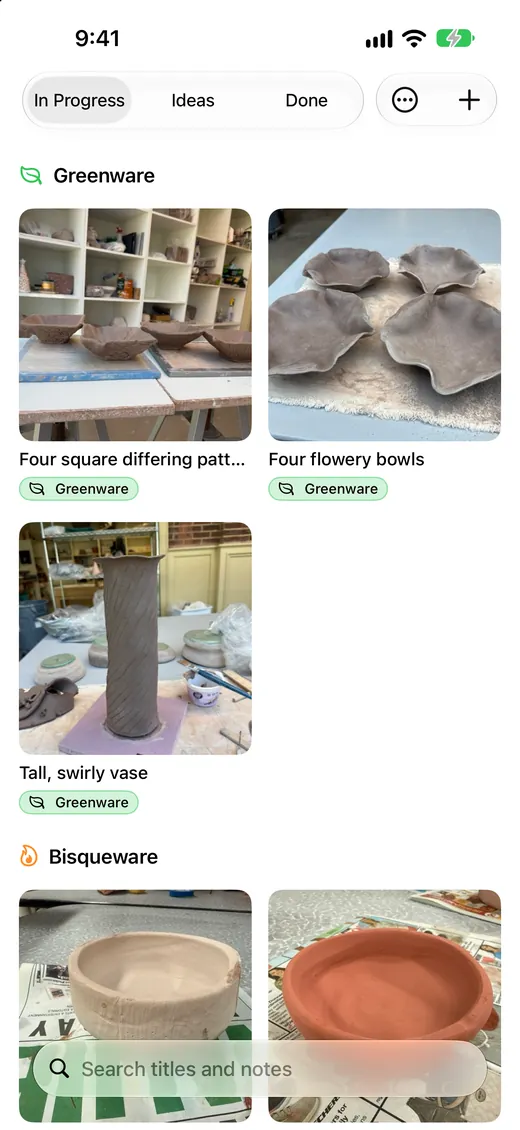
See what’s drying and what’s waiting on the kiln.
-
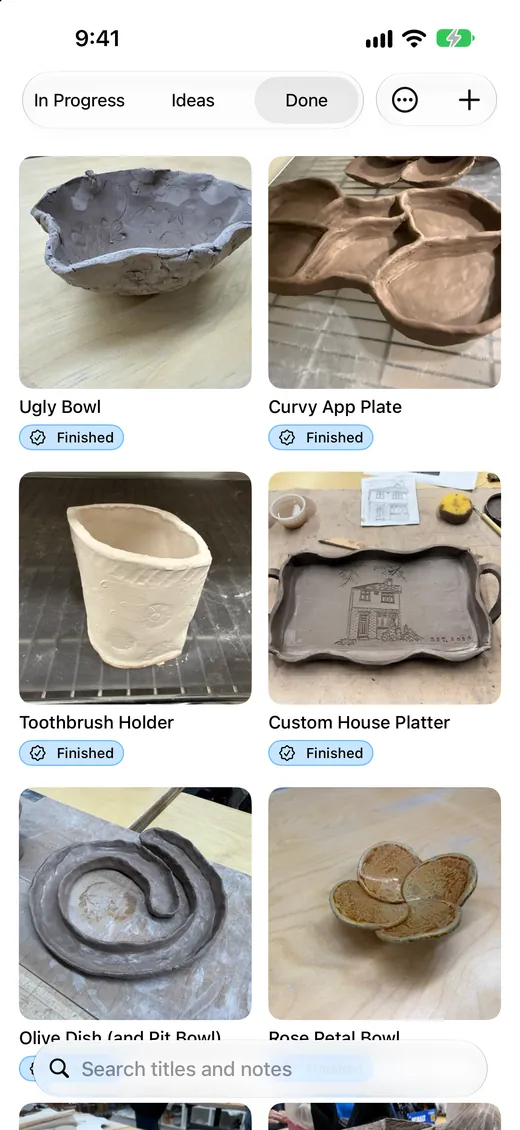
Keep a gallery of everything you’ve finished.
-
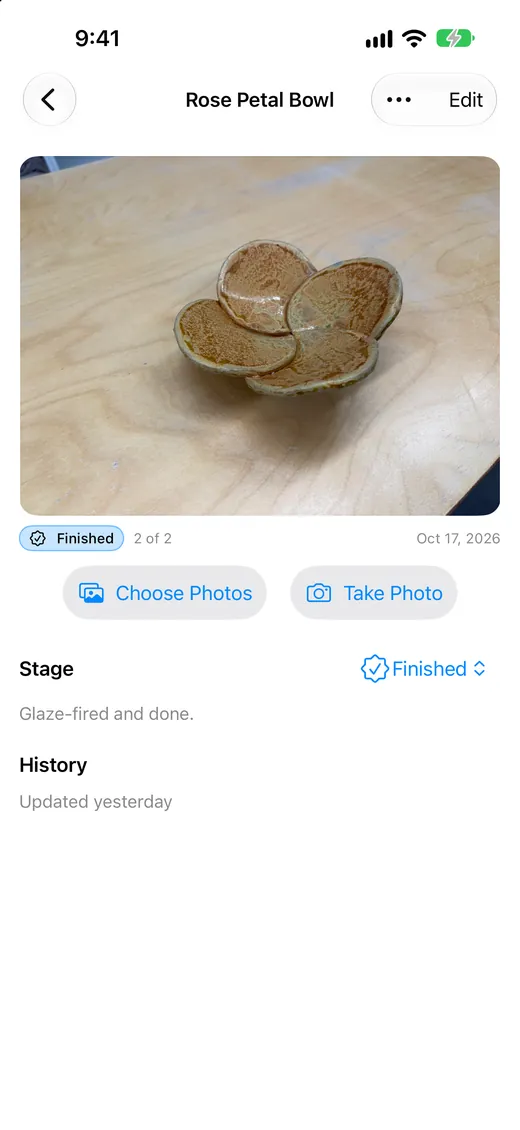
Each piece keeps its photos, stage and history.
-
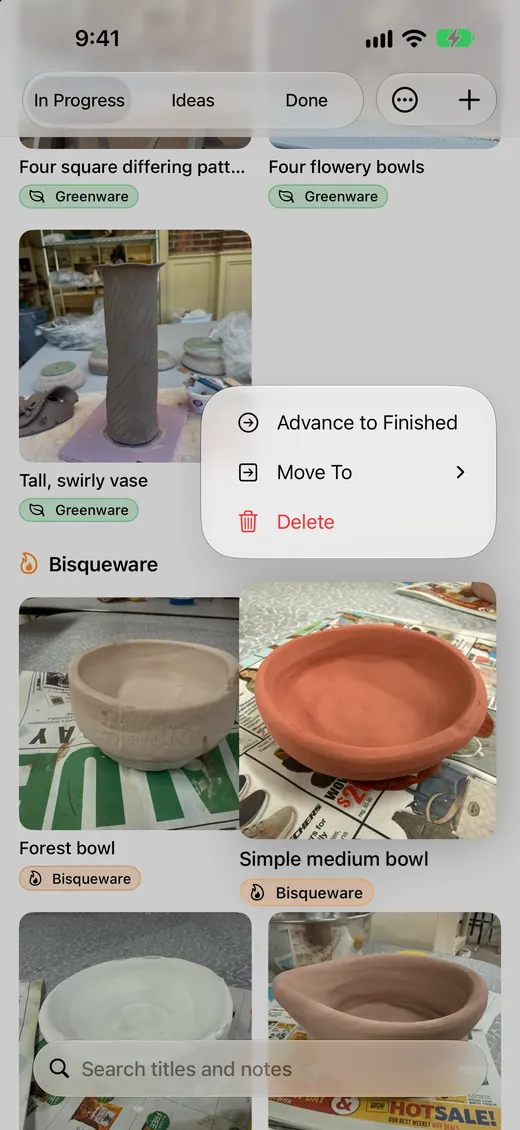
Touch and hold to move a piece along.
Five stages, one look
Every piece sits in one of five stages. Touch and hold it to move it along, and the grid shows what’s drying, what’s waiting on the kiln and what’s ready to glaze.
-
1
Idea
Inspiration saved for later. Nothing made yet.
-
2
Leather Hard
Firm but still damp. Time to trim, carve and attach handles.
-
3
Greenware
Bone dry and fragile, waiting for the bisque firing.
-
4
Bisqueware
Fired once. Ready to glaze, or glazed and waiting on the glaze firing.
-
5
Finished
Glaze-fired and done.
On iPad and Mac too
More room for the whole shelf. Your pieces sync through your own iCloud, so they’re on every device you sign in to.
Made for the studio shelf
Photos at every stage
Take a photo or pick one from your library and tag it with the stage. Each piece’s cover shows it as it is right now, and its history shows how it got there.
Save inspiration from anywhere
Share a photo or link from Safari, Photos or almost any app straight into Potter’s Stages to start a new idea or add to a piece you’re already working on.
Quick to keep up
Move a piece to the next stage with a touch and hold. Search titles and notes, merge two entries for the same pot, and flip between In Progress, Ideas and Done with one tap.
On all your devices
Your pieces sync through your own iCloud account to iPhone, iPad and Mac. Export a backup file whenever you like.
Private by design
No accounts, no ads, no tracking. Your pieces and photos stay in your own iCloud, and the app collects no data at all.
Free, and made with care
I’m Patrick Turner, a retired programmer who makes small apps for fun. Questions or ideas? Email me. I read every message.